Make a menu
Type your dishes, a rough draft is fine. You get your menu as an image for social media and as a PDF to print, with your logo and your colours.
What does the tool do?
You want to share a menu of the week or a seasonal menu quickly, and put it up in your restaurant too. Making something nice every time takes time. Here you type your dishes the way they are in your head, and you get a neat menu back.
What do you get?
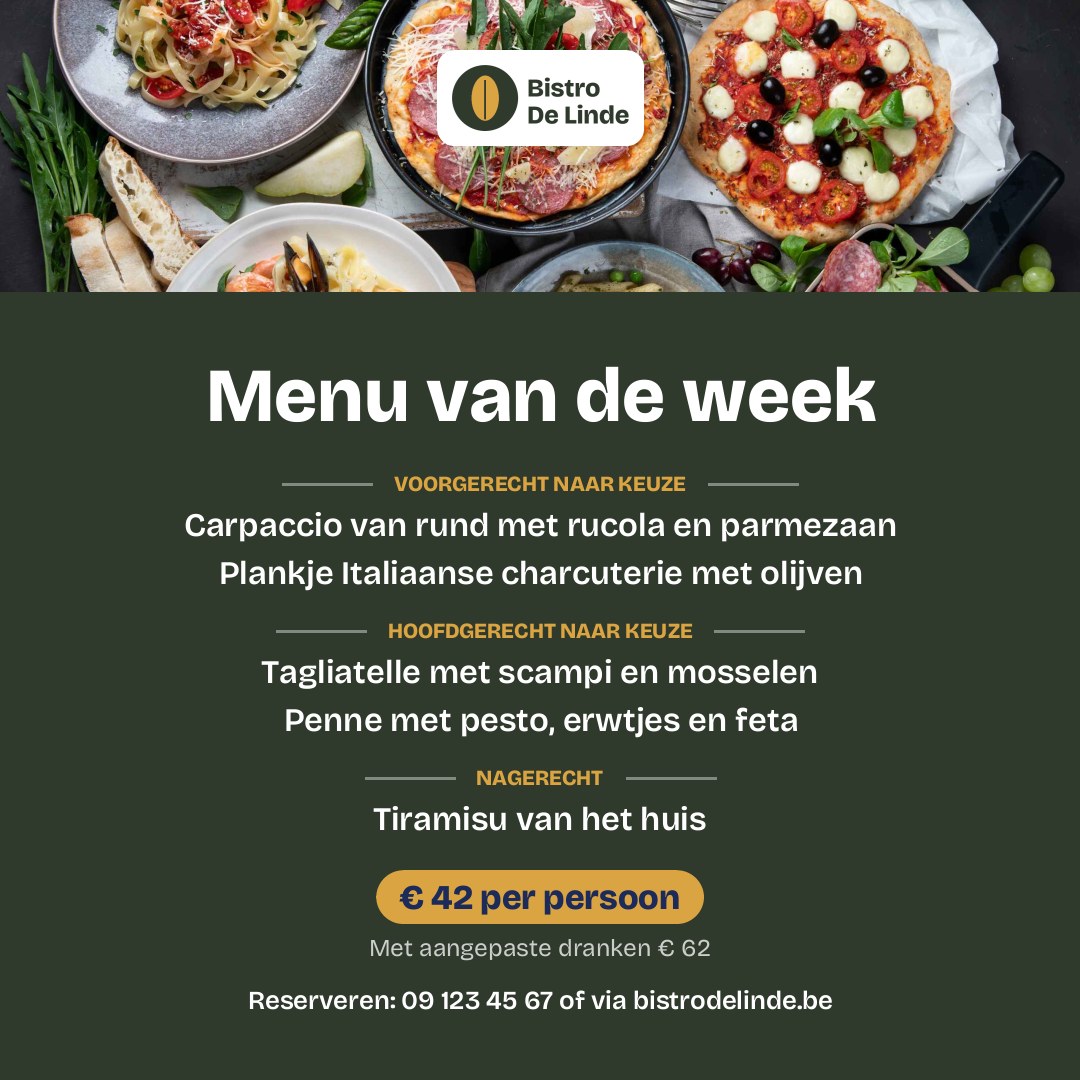
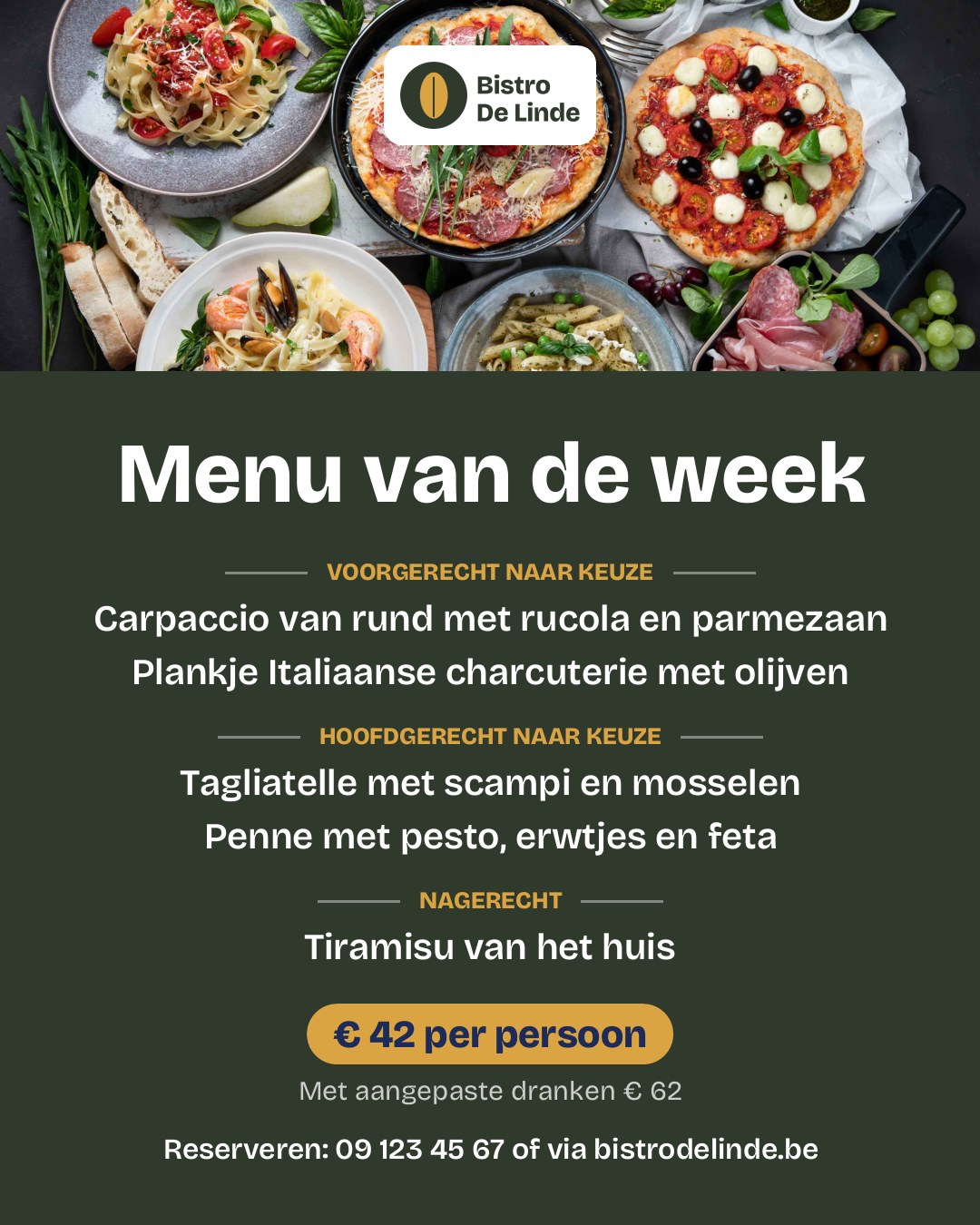
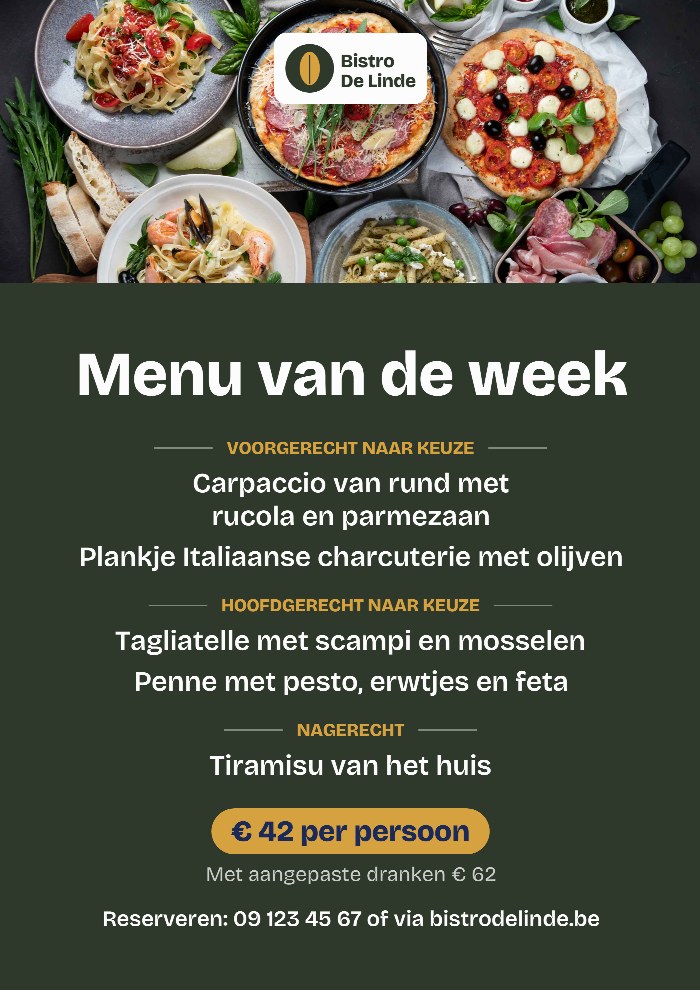
Your menu as a square and a portrait image for Facebook and Instagram, and as an A4 PDF to print. With your logo, your colours, the price and how your guests can book. We correct spelling mistakes, but we do not add anything.
What does it cost?
A menu costs 3 credits, as an image and as a PDF. Making changes and redrawing is free. One credit is 1 euro. No subscription: you buy credits when you need them, and they never expire. If something does not work, you get your credits back.
An example
Bistro De Linde shares a menu every week. This is what the chef typed:
- Name of the menu
- menu ot week
- Starters
- beef carpacio rucola parmesan platter of italian charcuterie and olives
- Main courses
- taggliatelle scampi and mussels penne pesto peas feta
- Dessert
- homemade tiramisu
- Price
- 42 euro
And this is what he got back:
Questions about this tool
How many dishes can I add?
At most 3 starters, 3 main courses and 3 desserts. A course can also stay empty.
What happens to the photo if my menu is long?
The photo gets the space that is left. A short menu has a large photo, a long menu a narrow strip. If there is too little space, we leave the photo out, so your dishes stay easy to read.
Do you change my prices?
No. We copy the price exactly. We only correct spelling mistakes and capital letters.